Catches the slouch you never notice
Live head-angle tracking through AirPods motion. Set how far you can drift and how long before it says something, so it is as strict or as forgiving as you want.
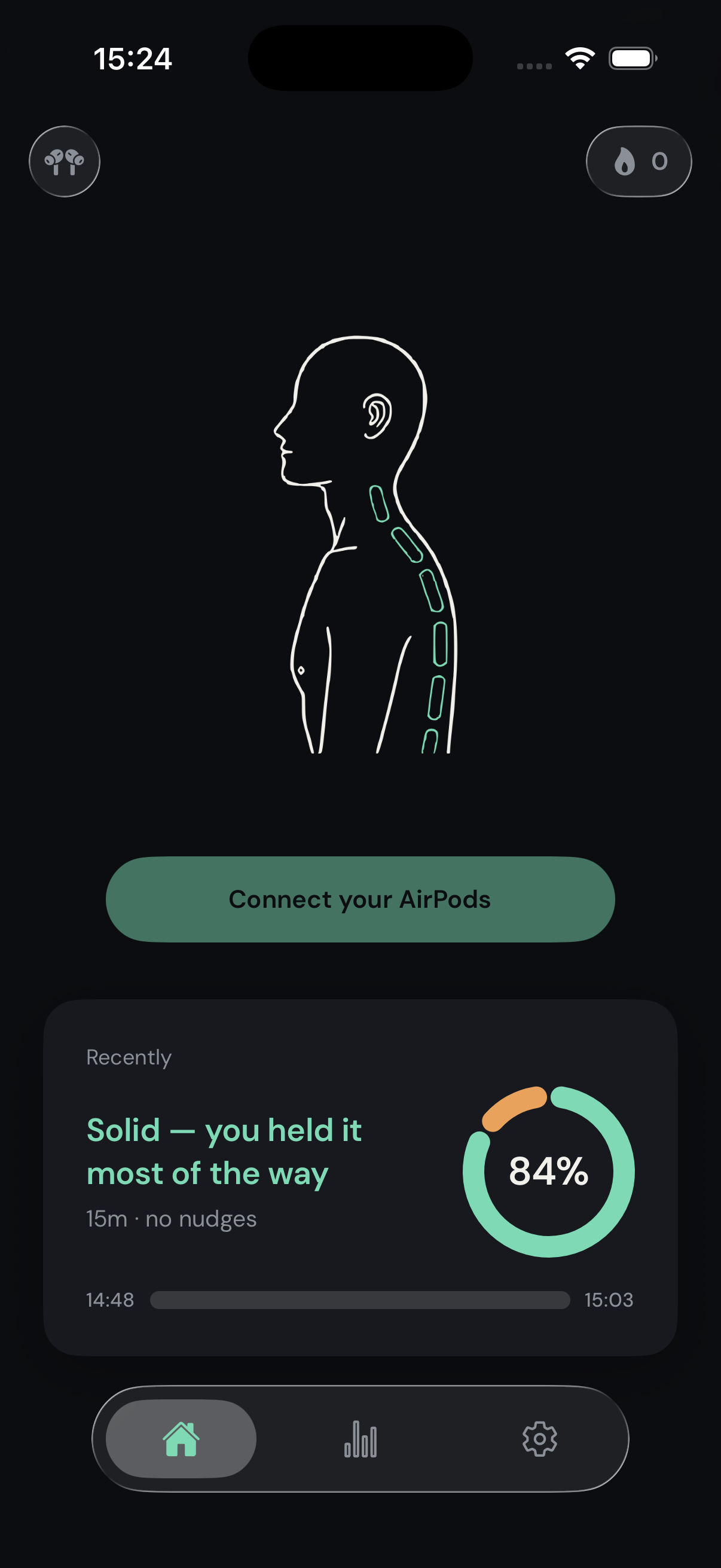
Posture Alert uses the motion sensors in your AirPods to catch your slouch and nudge you back.
See how it works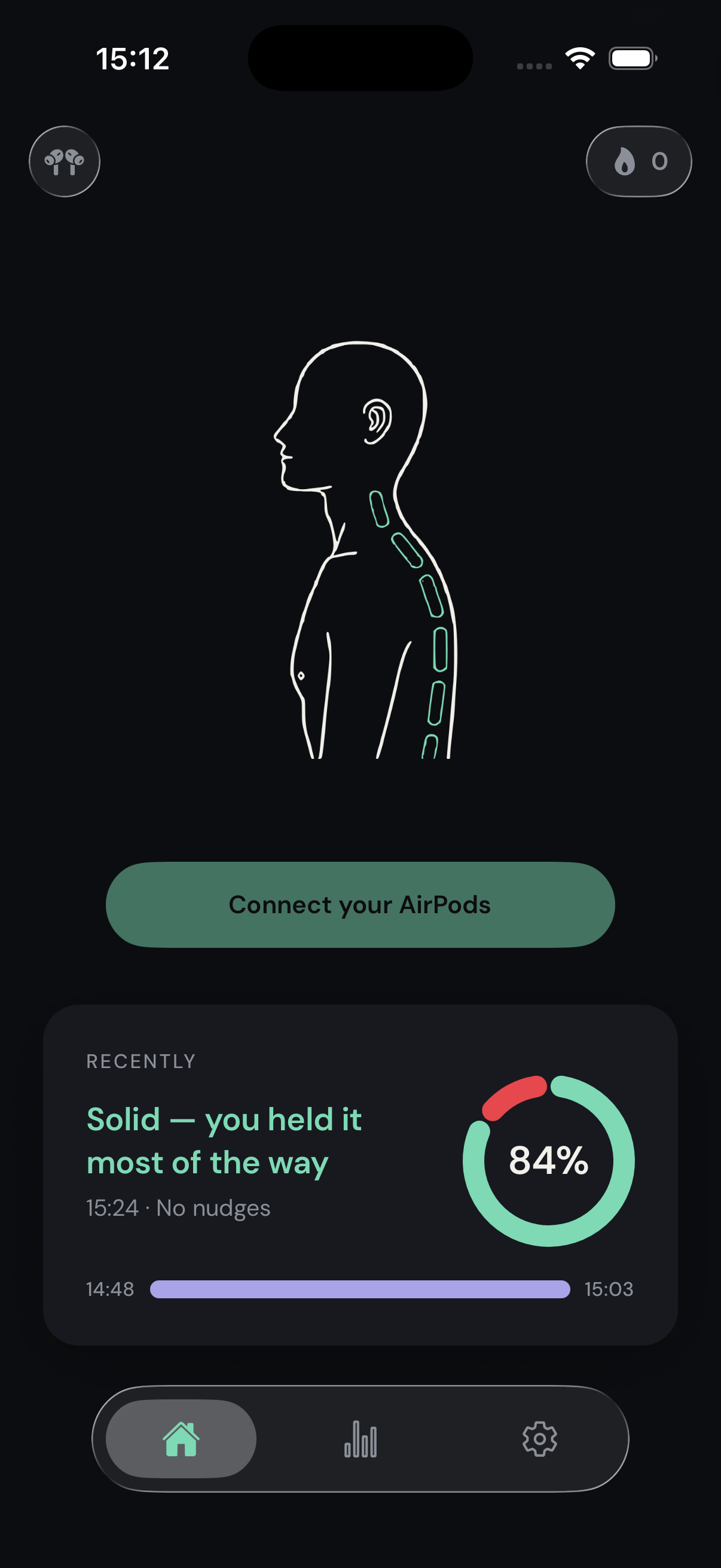
Any of the four models with head-motion sensors. Nothing extra to buy, nothing extra to wear.
Posture Alert takes a few seconds to learn that position. Your neutral, not a textbook one.
Drift past your threshold and stay there, and a quiet sound plays. Nothing flashes on screen.
Live head-angle tracking through AirPods motion. Set how far you can drift and how long before it says something, so it is as strict or as forgiving as you want.
Every 20 minutes, a reminder to look about 6 metres away for 20 seconds. Runs on the phone alone, so it works with no AirPods in.
Pick a built-in cue or record your own clip, up to four seconds. Posture nudges and eye-rest breaks can use different sounds.
Good-posture rate against a goal, your streak, how long you last before the first slouch, and the hours of the day you slip most.
No camera.No account.Nothing leaves your phone.
There is no sign-up, and no analytics or advertising SDK anywhere in the app. Sessions, settings, and recordings live in local storage on your iPhone. The only thing that ever leaves is the purchase receipt Apple needs to unlock Pro.
iOS 16.4 or later.
Head tracking only works on the models that have the hardware for it.
The 20-20-20 reminders run on the phone on their own, with no AirPods connected.